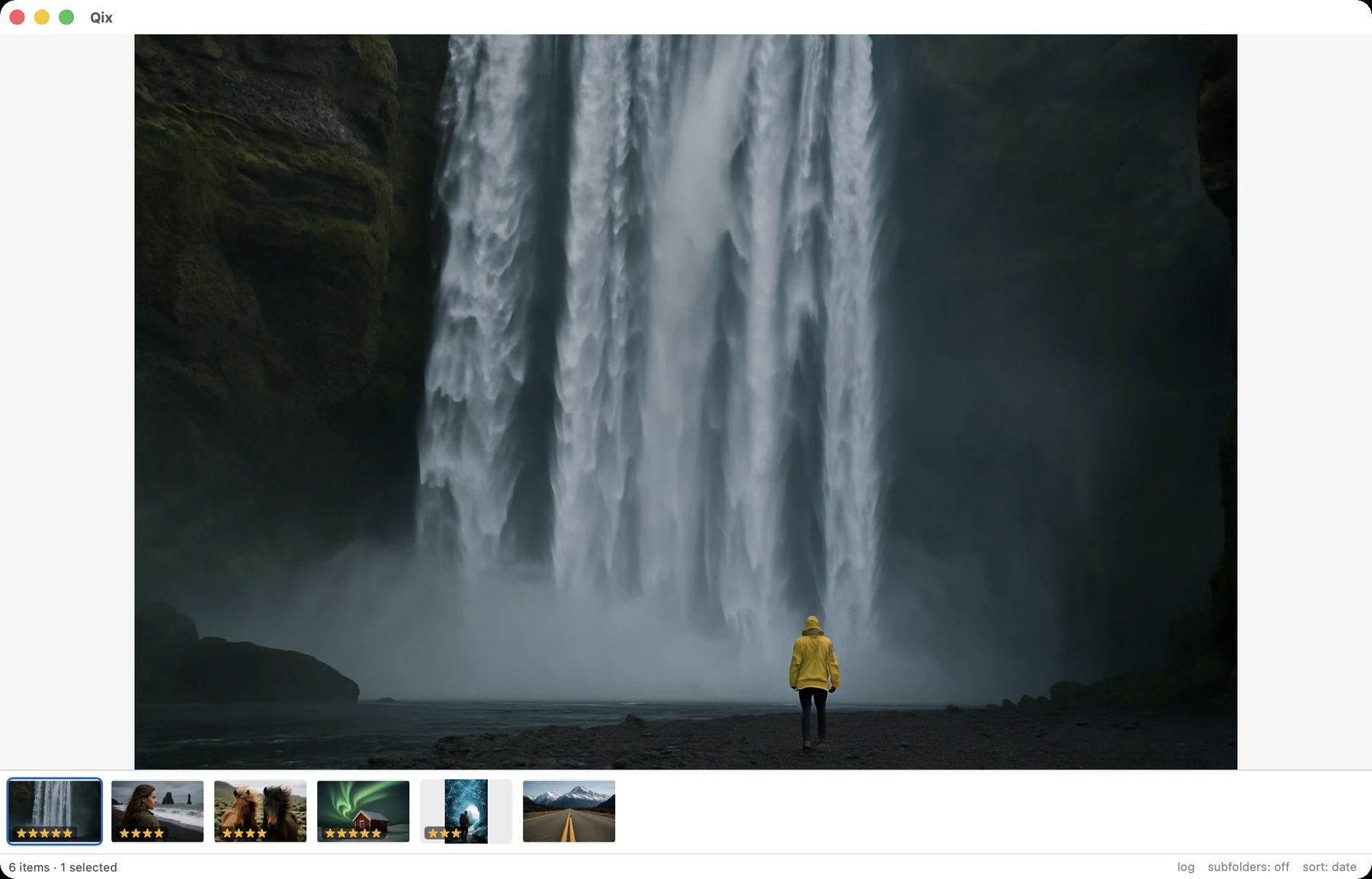
Browse & view
A one-level folder browser, a grid that stays fast at five thousand items, and a viewer with a filmstrip. External changes show up on their own — the library is watched, not owned.
The one-level browser
The sidebar shows one folder's subfolders under a breadcrumb of its ancestors — not a nested tree. Selecting a row (click, or ⌥⌘↑/⌥⌘↓) shows its items in the grid while the sidebar stays put, so flipping through sibling folders is one motion. Drilling (the › chevron, double-click, or ⌥⌘→) re-roots the sidebar one level deeper; ⌘↑ goes back up, and ⌘⇧↑ jumps all the way to the library root.
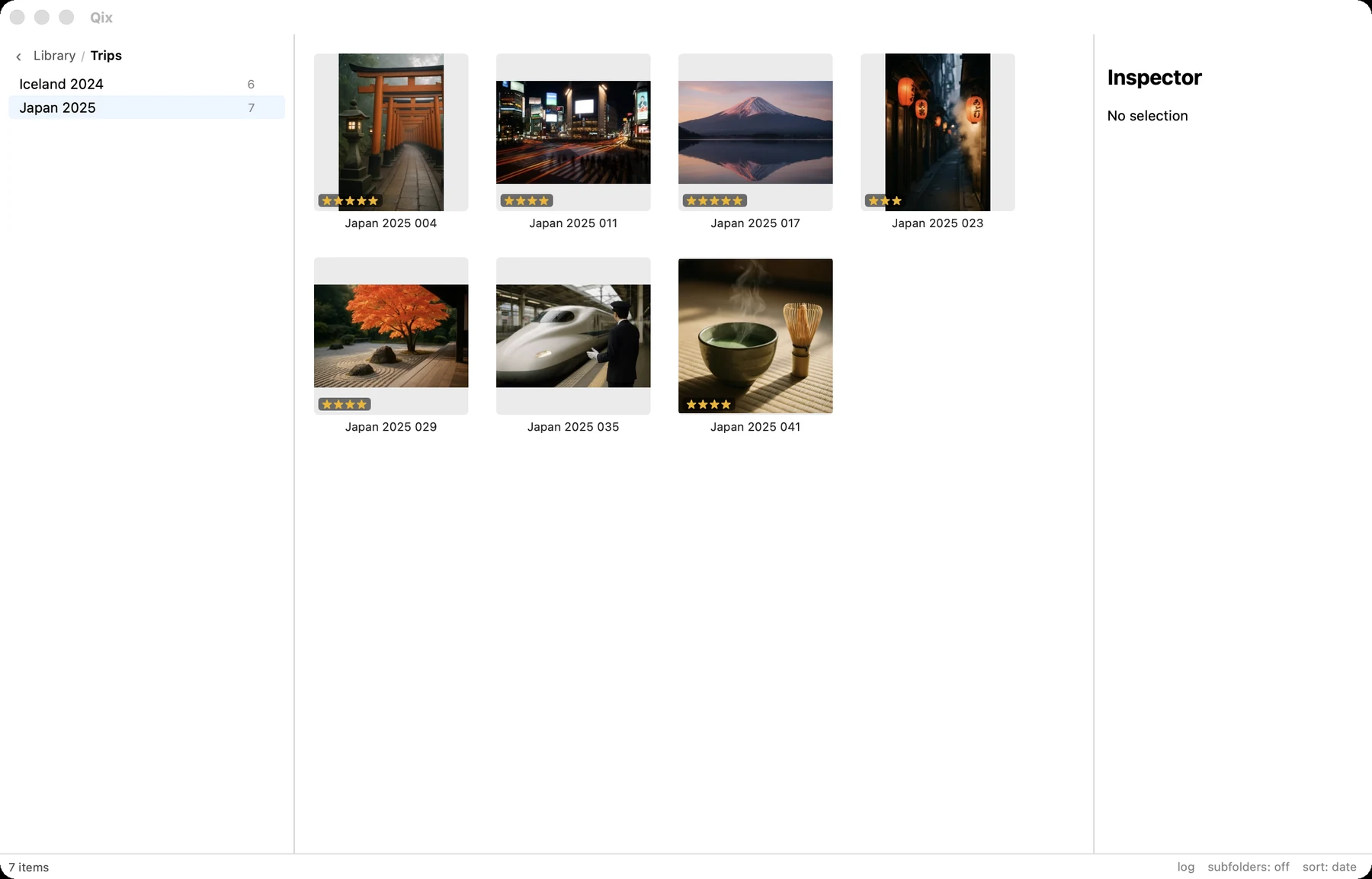
› marks folders with more inside.Above the library root sits the top level: a Library row plus your mounted Sources. And for going anywhere directly, g opens the fuzzy go-to palette — usually faster than any amount of clicking.
The grid
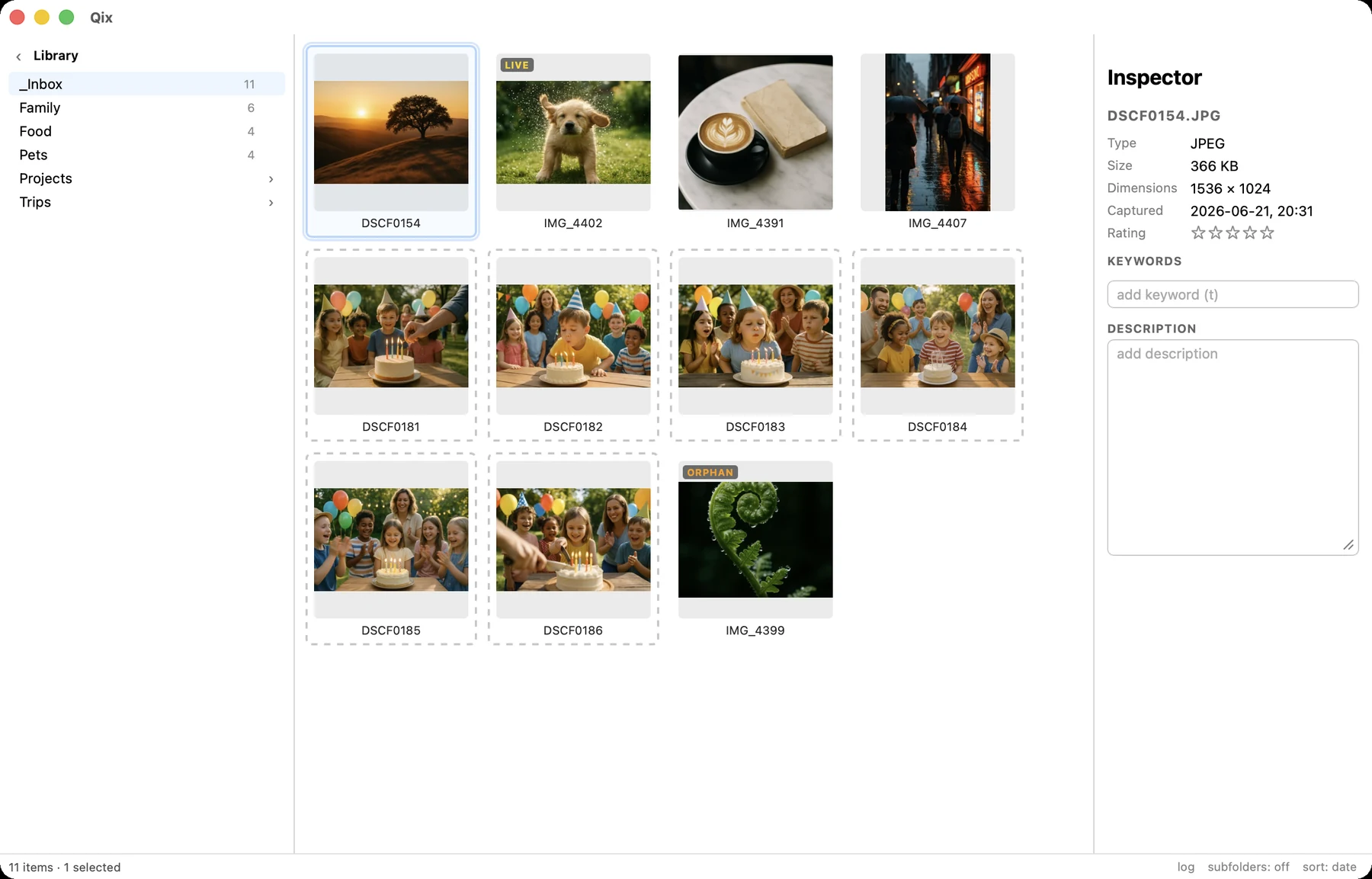
Thumbnails sort by capture date (from EXIF, falling back to file date), filename, or rating — best first, unrated last. Cycle the sort from the status bar or the View menu. Badges tell you what you're looking at:
- Live — a Live Photo pair, presented as one item.
- Duration — videos show their length.
- Stars — the item's rating, straight from the metadata index.
- Orphan — a lone Live-video whose image half went missing; flagged, never silently adopted.
- Group outlines — consecutive shots seconds apart from the same camera, the raw material for culling.
Include Subfolders
The View-menu toggle (or status-bar chip) flattens the current folder's whole subtree into one grid — browse Trips/ as a single wall of photos across every trip. Sorting, selection, and every operation work unchanged.
The viewer
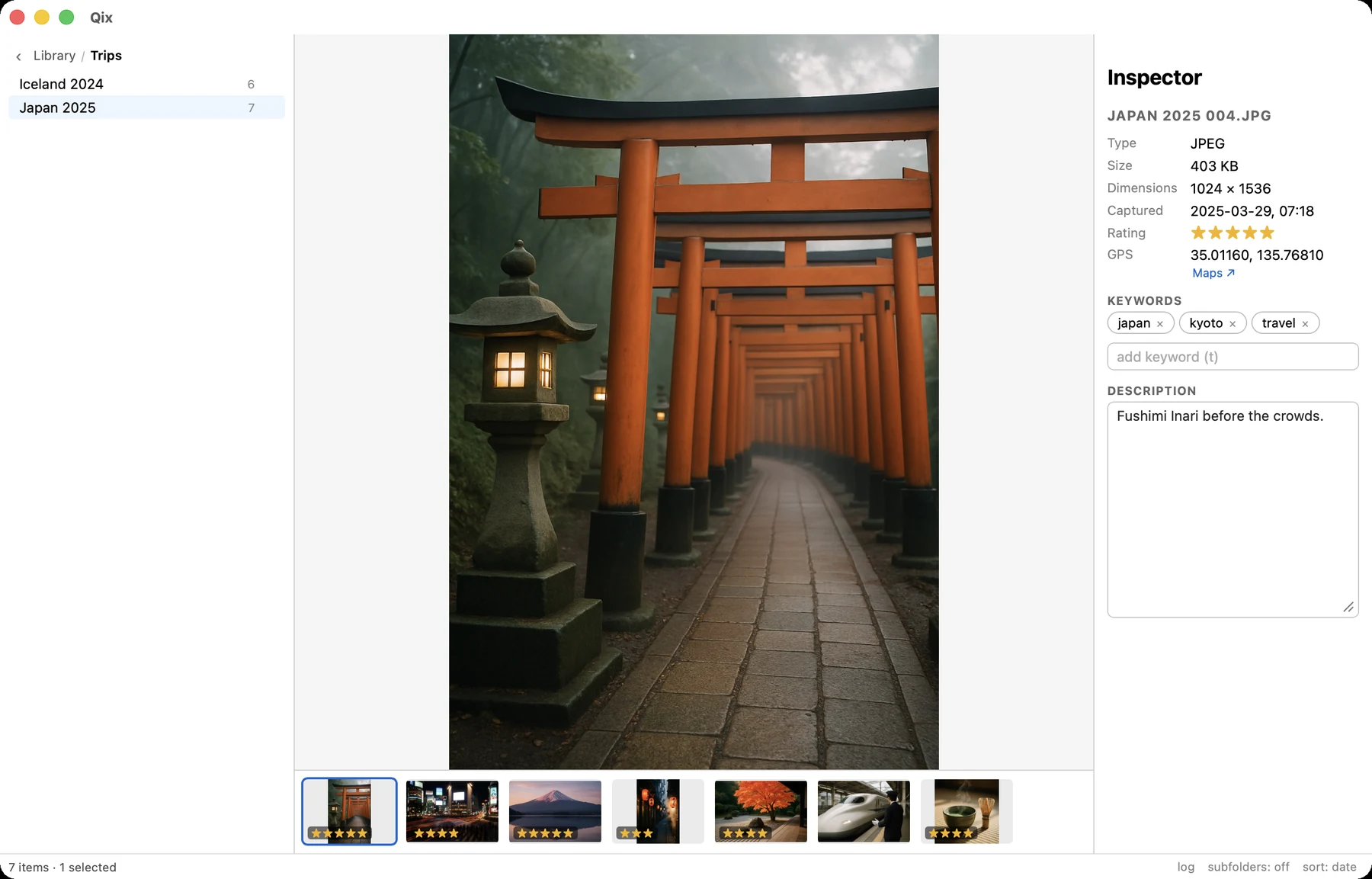
Return opens the focused item full-panel; arrows walk the folder in sort order. z toggles fit / 100%. Under the image, a filmstrip of the folder keeps context — the current frame stays centered, and clicking a frame jumps there.
- Live Photos: hold Space to play the live video with sound; release to return to the still.
- Videos: inline playback with standard transport, scrubbing included.
Full-window mode
Tab collapses both side panels; media runs edge to edge with only the status bar left. It applies to grid, viewer, and culling alike and stays on until you Tab back. Anything that needs a hidden panel brings it back instead of acting invisibly — t and i reopen the inspector. Combine with macOS full screen for the whole display.