Getting started
Qix manages a library: an ordinary folder tree that you own and organize. This page gets you from first launch to a working triage loop.
The library
On first launch Qix asks you to choose a library — any folder. That folder and everything under it become the library; the folder hierarchy is the organizational scheme. Qix adds exactly two things of its own:
_Inbox/— the landing zone where imports arrive and triage begins..qix/— a small folder of plain-text state (which Photos assets were already imported, your filing patterns, mounted sources). It's state about the library, never library content.
Everything else on disk is yours. Files added or moved by Finder, a camera-card copy, or any other tool show up in Qix within about a second — the library is watched, not owned.
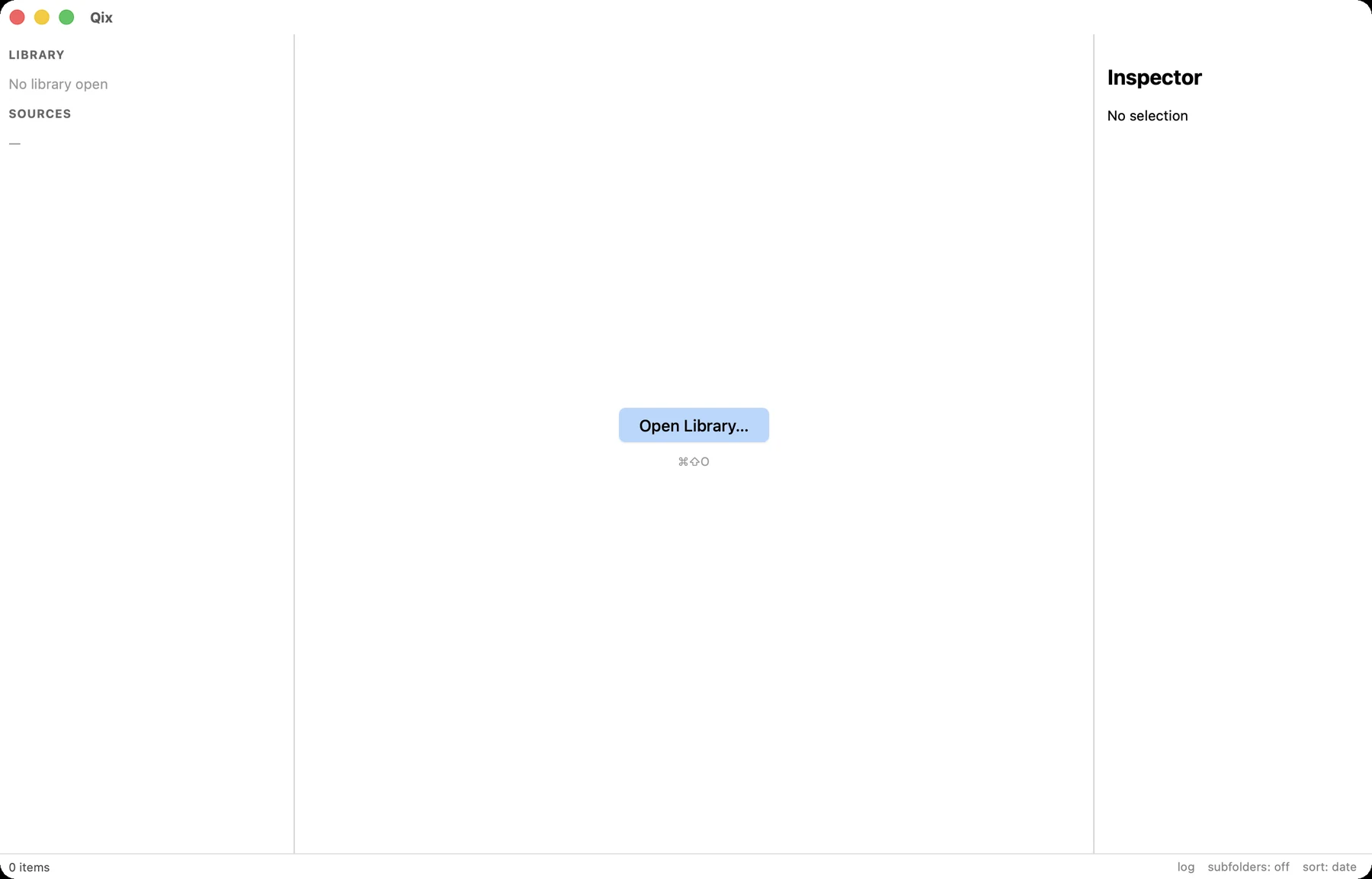
The window
Three panels, all keyboard-reachable:
- Browser (left) — a one-level folder list with a breadcrumb. It shows one folder's subfolders at a time, which keeps flipping between sibling folders a single keystroke.
- Grid / Viewer (middle) — thumbnails of the current folder, or a single item once you press Return. Culling and Photos import also live here.
- Inspector (right) — metadata for the selection: capture date, rating stars, GPS, keywords, caption. Toggle it with i.
Press Tab for full-window mode: both side panels collapse and media runs wall to wall. Press ? any time for the searchable cheat sheet overlay.
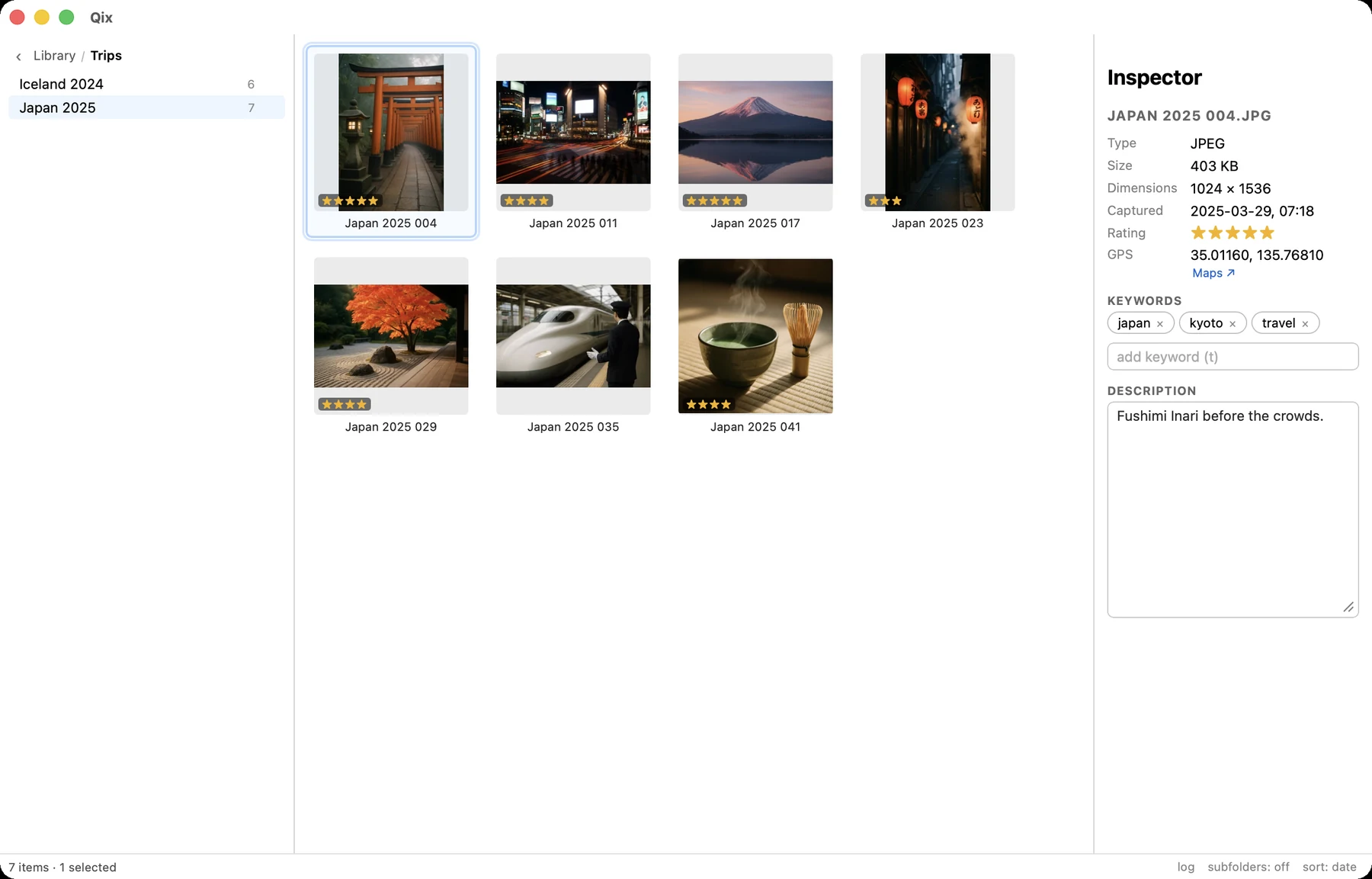
The triage loop
The workflow Qix is built around, end to end:
- Import — ⌘⇧I pulls new photos out of Apple Photos into
_Inbox/(Getting photos in). - Cull — bursts get outlines in the grid; c compares them side by side and x marks rejects (Culling).
- Tag — 1–5 to rate, t to keyword the selection with autocomplete (Ratings, keywords & captions).
- File — m opens the quick-move palette; a few typed letters pick the destination, and files can be renamed by pattern on the way (Filing & renaming).
Repeat until _Inbox/ is empty. Nothing in the loop requires the mouse.
Sources: folders outside the library
File → Add Source Folder… (⌘⇧A) mounts any folder — an external drive of old pictures, a Downloads mess — into the sidebar. Sources get the full toolset: browse, view, cull, keyword, and quick-move straight into the library. Removing a source only unmounts it; files are never touched. A source on an unplugged drive shows up grayed out with a "locate…" affordance, never silently dropped.
Settings
⌘, opens settings, which edit .qix/config.toml — filing patterns, rename defaults, culling sensitivity. It's a plain TOML file that travels with the library; you can edit it by hand and Qix picks it up.