Getting photos in
Two doors into the library: importing from Apple Photos, and ingesting files from anywhere else. Both land in _Inbox/, verified, with Live Photos intact.
Import from Photos ⌘⇧I
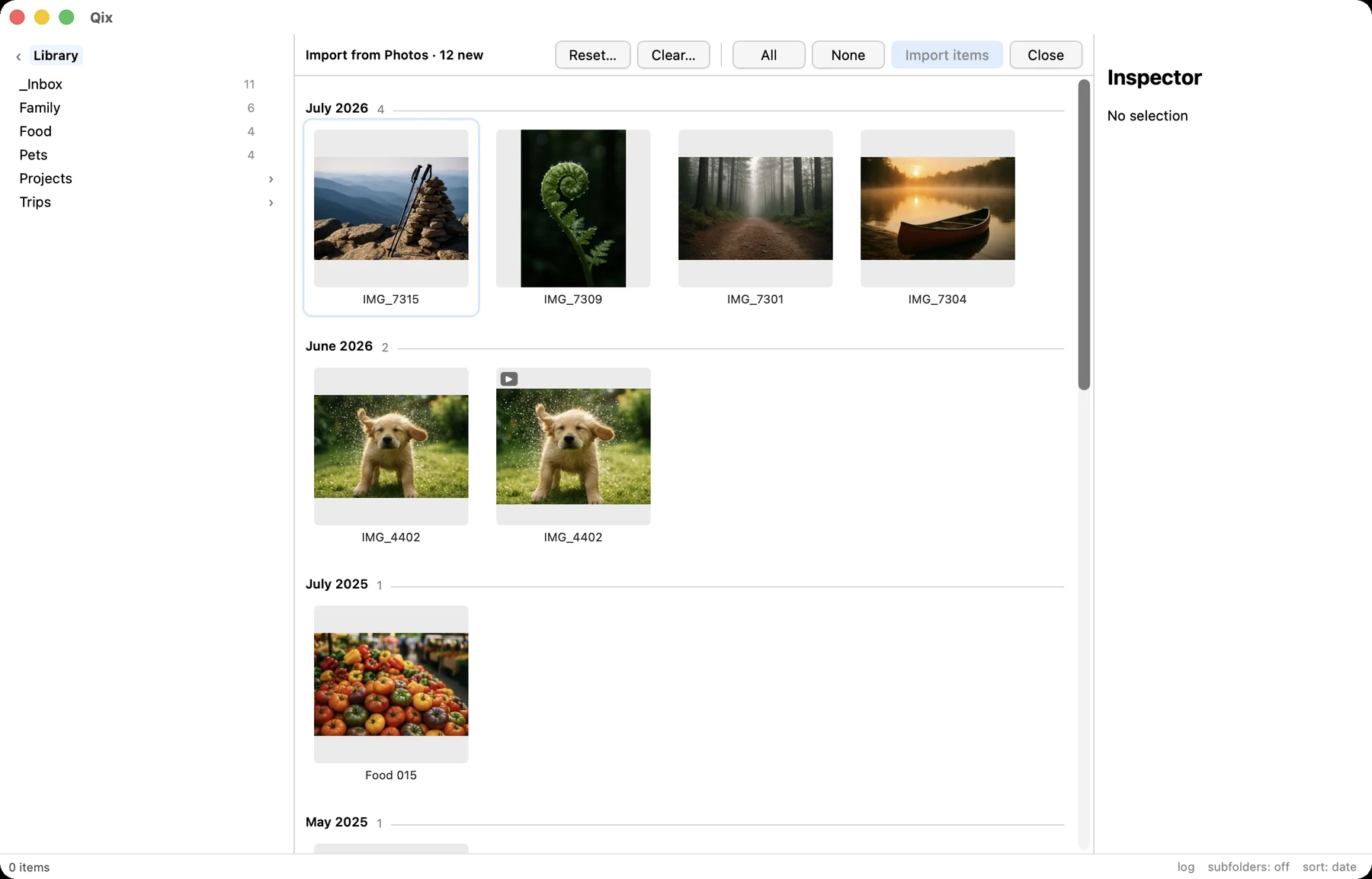
The import view lists every asset in your Photos library that hasn't been imported before, newest first, broken into month sections so a multi-year backlog reads as chapters instead of a wall. While you scroll, a floating chip shows the month under the viewport — drag the scrollbar through three years and you always know where you are.
Badges mark Live Photos, videos, favorites, and photos edited in Photos. Select what you want — click-drag marquee, range-select, or select-all — and import.
What lands on disk
- Originals. Qix exports the as-shot bytes — full resolution, all embedded metadata. For a Live Photo, both the image and its paired video arrive together.
- Edited photos: the original is what imports. Optionally (off by default), the edited render is exported too, with an
-editedsuffix — and it moves pair-atomically with its original from then on. - iCloud originals that aren't on this Mac are downloaded automatically, with per-photo progress. A failed download fails that one photo, never the batch.
Idempotent by construction
A photo is recorded as imported — in .qix/state.json, a plain-text ledger — only after its files are fully written and verified (the file exists, has bytes, and parses as an image). Quit mid-import, lose the network, kick the power cord: re-running resumes exactly where it stopped, and nothing half-written is ever counted.
And the other direction is absolute: Qix never writes to the Photos library. No albums, no flags, no deletions — the import ledger is how Qix remembers what it took, so Photos doesn't have to change.
Ingest from the filesystem
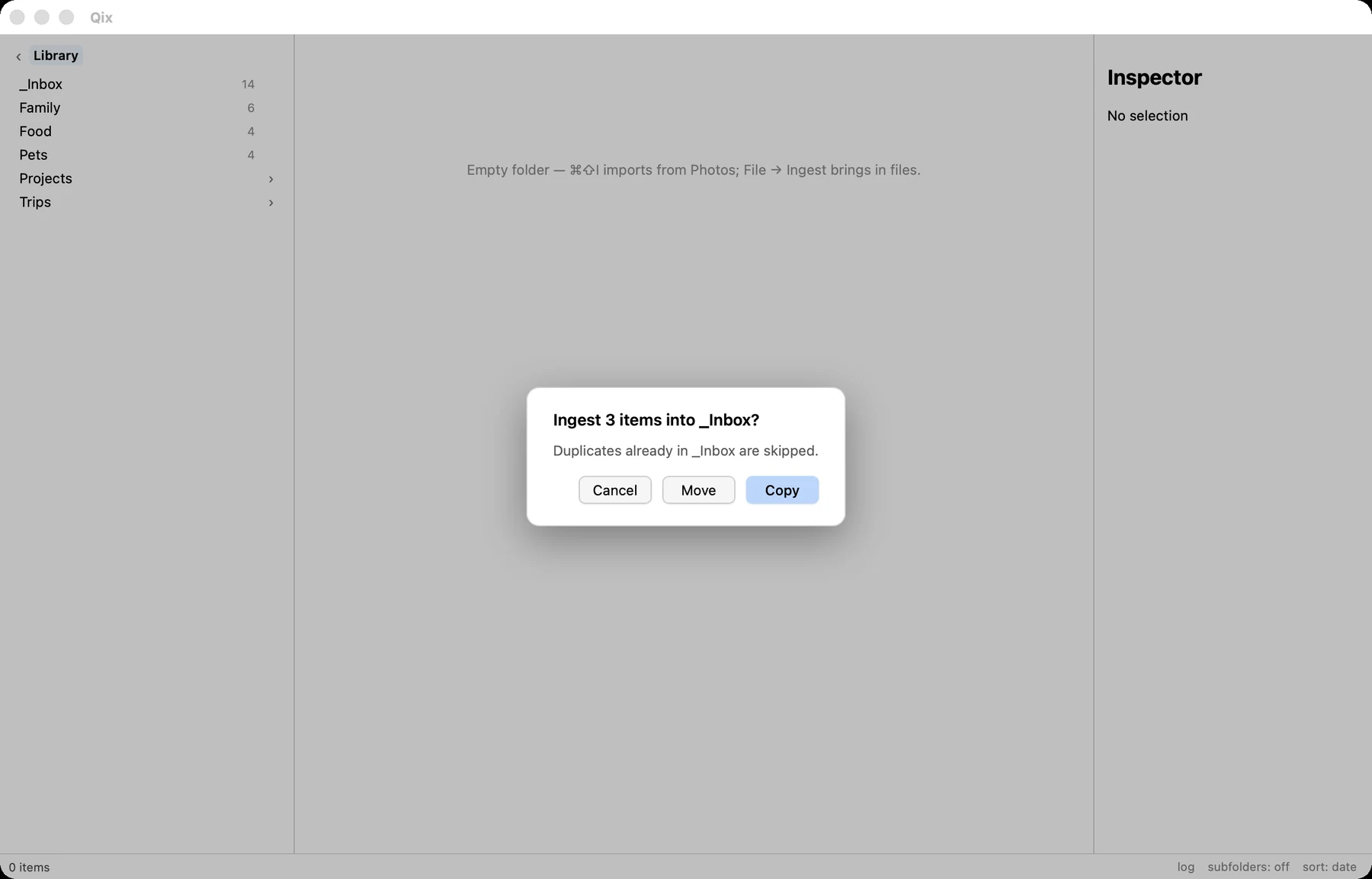
File → Ingest Files… / Ingest Folder… copies media from anywhere — a camera card, a Downloads folder, a friend's USB stick — into _Inbox/. When the source is on the same volume you're offered move instead of copy.
- Live-pair detection applies on the way in: an image and video sharing a basename (with matching Apple content IDs where available) arrive as one item.
- Duplicates are skipped: if an identical file — same size, same BLAKE3 hash — already sits in
_Inbox/, that file is skipped with a notice. Re-ingesting a card you already ingested is a no-op, not a pile of copies. - Name collisions get a numeric suffix, applied to both members of a pair so basenames stay in sync.